

Library
Connect WebDAV / SMB / NFS / FTP servers, or import local folders. TuneSync builds one library.
Connect a NAS and local folders, then browse, search, and play one personal library. Enrich metadata and lyrics, turn favorite tracks into accompaniment, and polish your takes in the new Recording Studio.
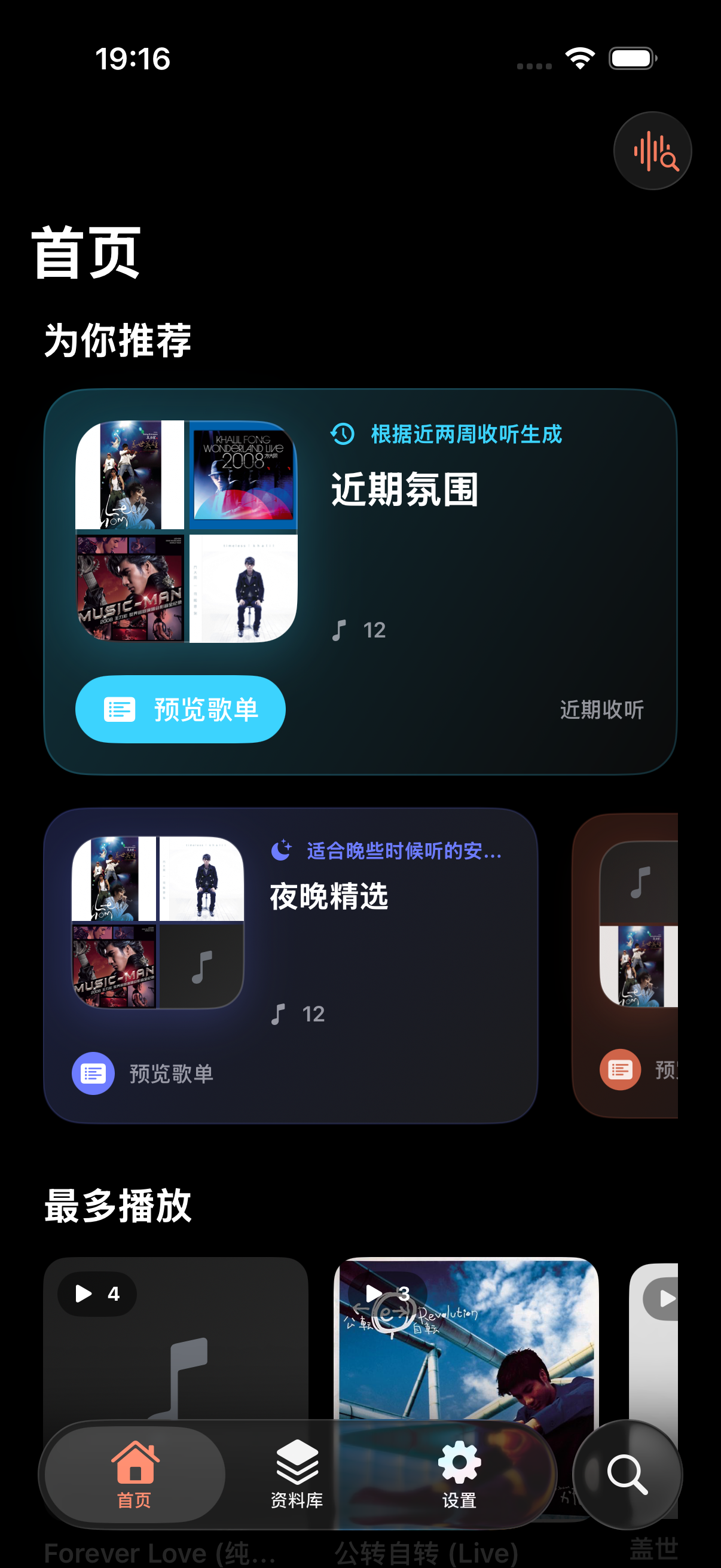
Music shouldn't be spread across half a dozen apps.
TuneSync brings your servers, folders, and player together. Connect once and you're ready.
See featuresOn the same network, TuneSync automatically discovers your media server — configure once and you're connected. Choose which folders to index; playback begins as soon as indexing completes.
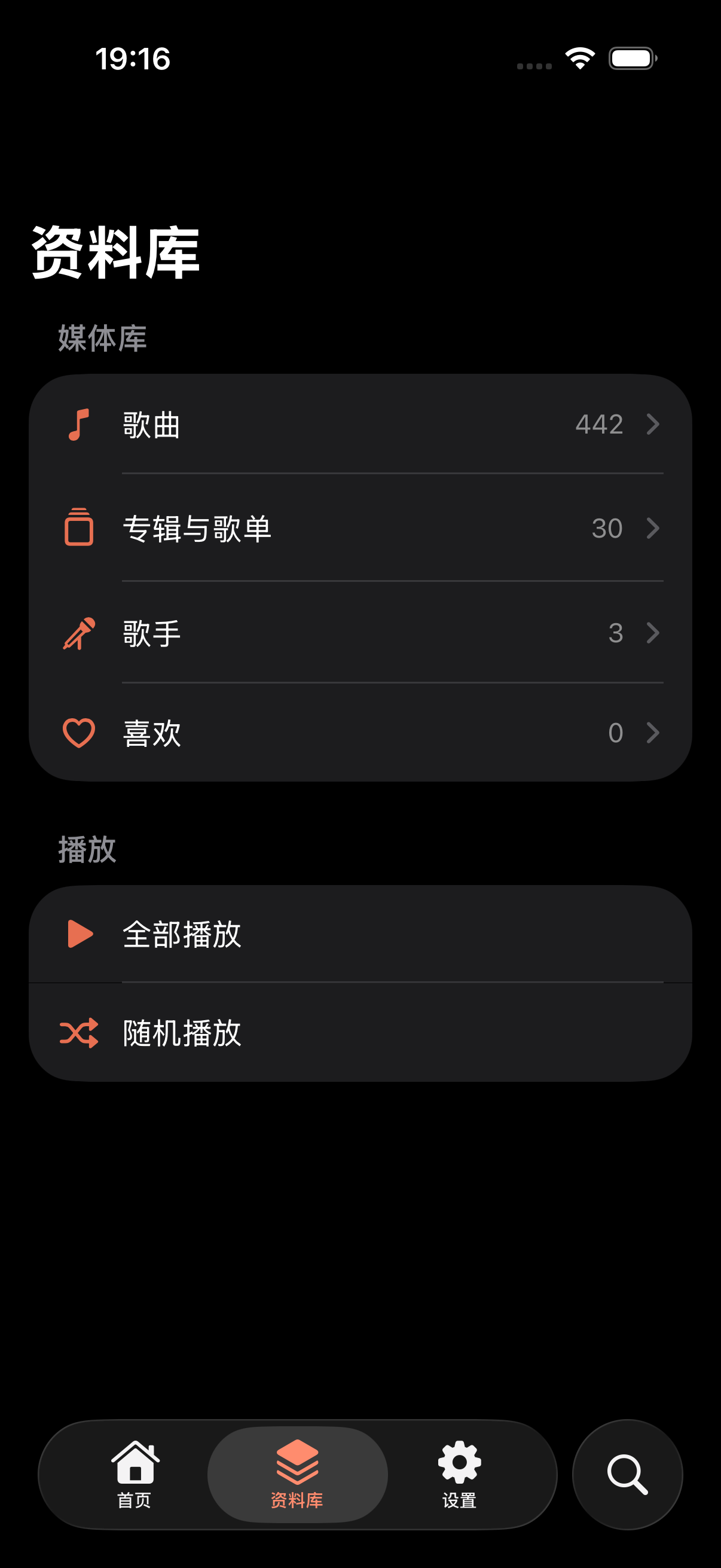
The player scrolls lyrics in time with playback and highlights the current line — tap any line to jump there. The background color is sampled from the artwork, and you can switch to plain-text reading mode when no timing is available.
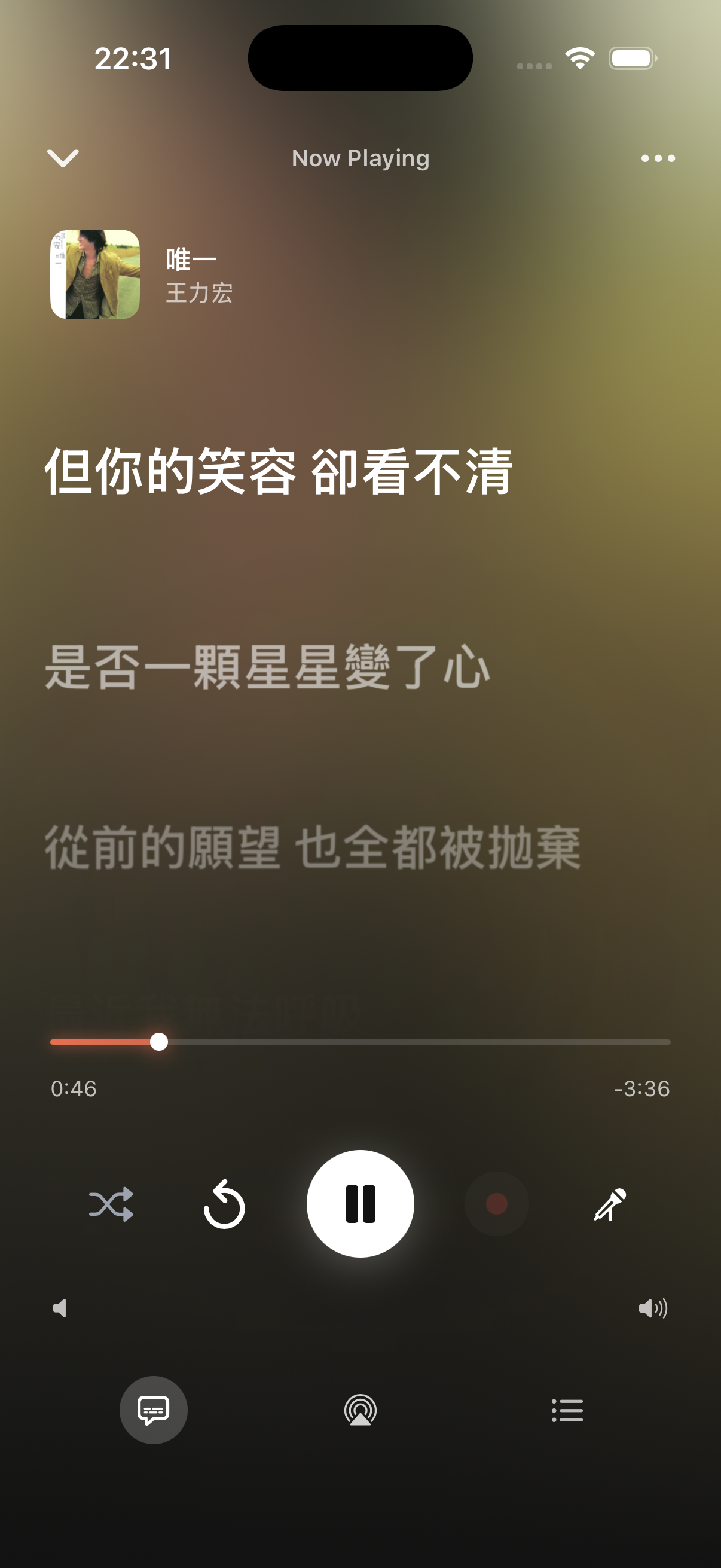
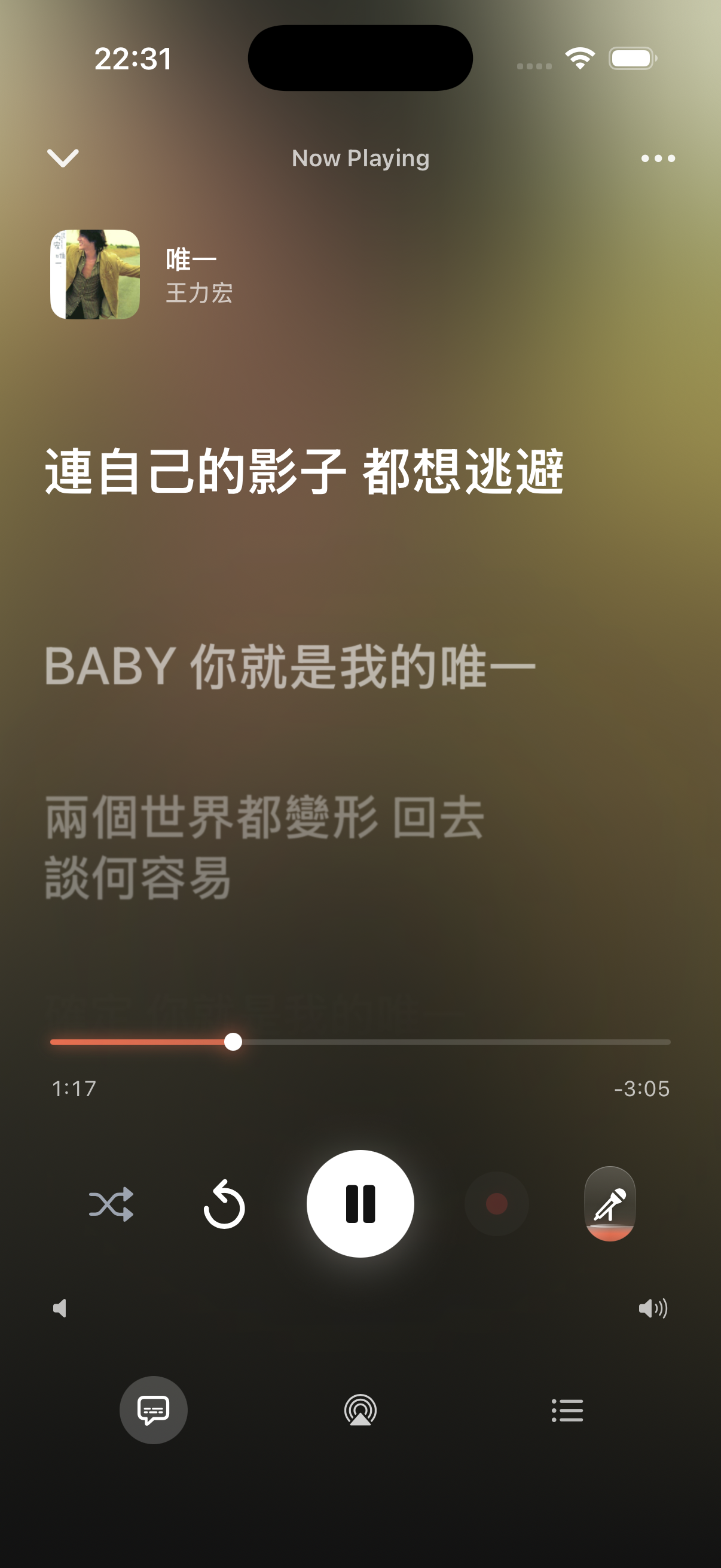
TuneSync splits a track into vocal and accompaniment stems on your device, with independent volume for each. Lower the original vocal, keep the accompaniment, and sing along — the microphone records your performance in sync. The first separation takes a moment; results are cached for reuse.
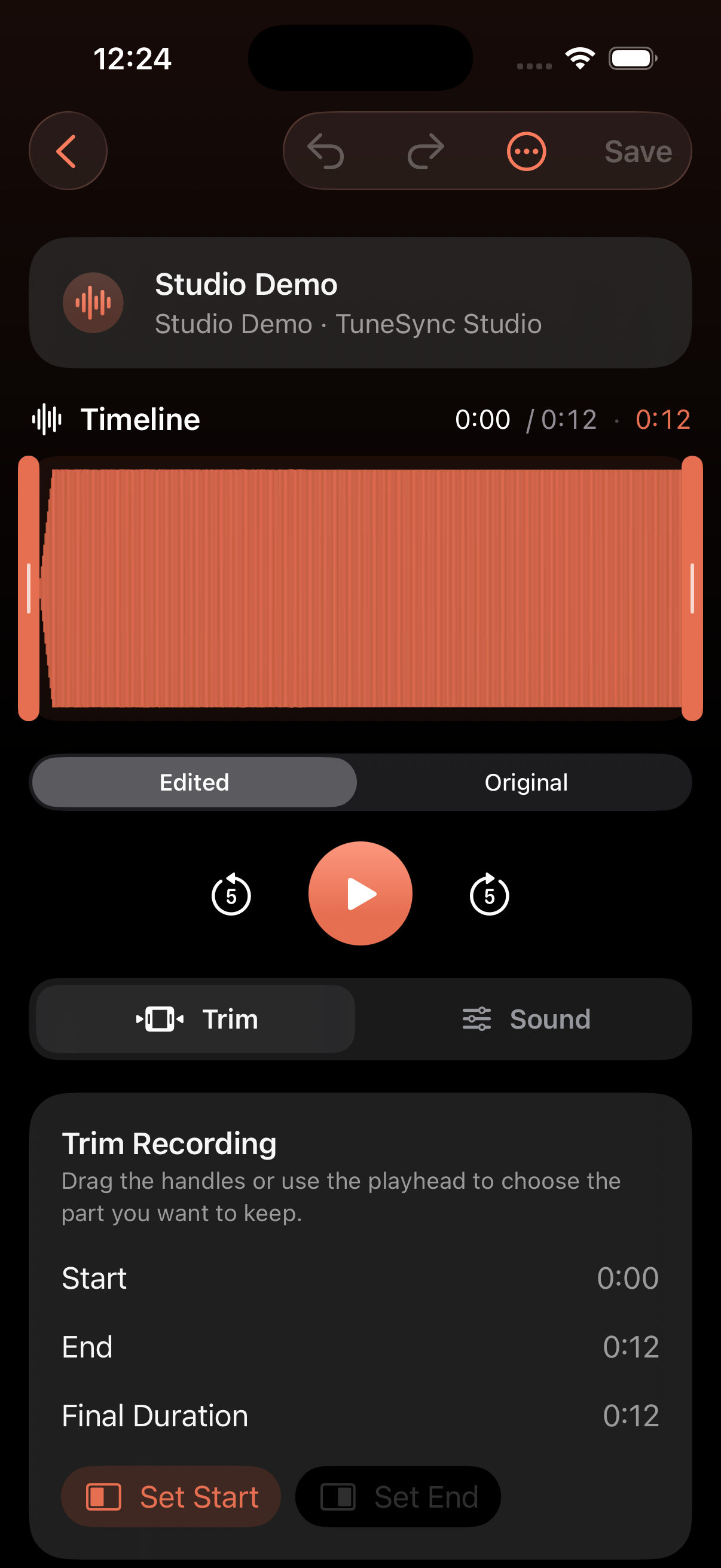
After saving a karaoke take, open it directly in Recording Studio. Select the keep range on its real waveform, adjust master volume, and add Studio or Concert Hall ambience. The original stays intact for instant comparison, undo, or restoration.
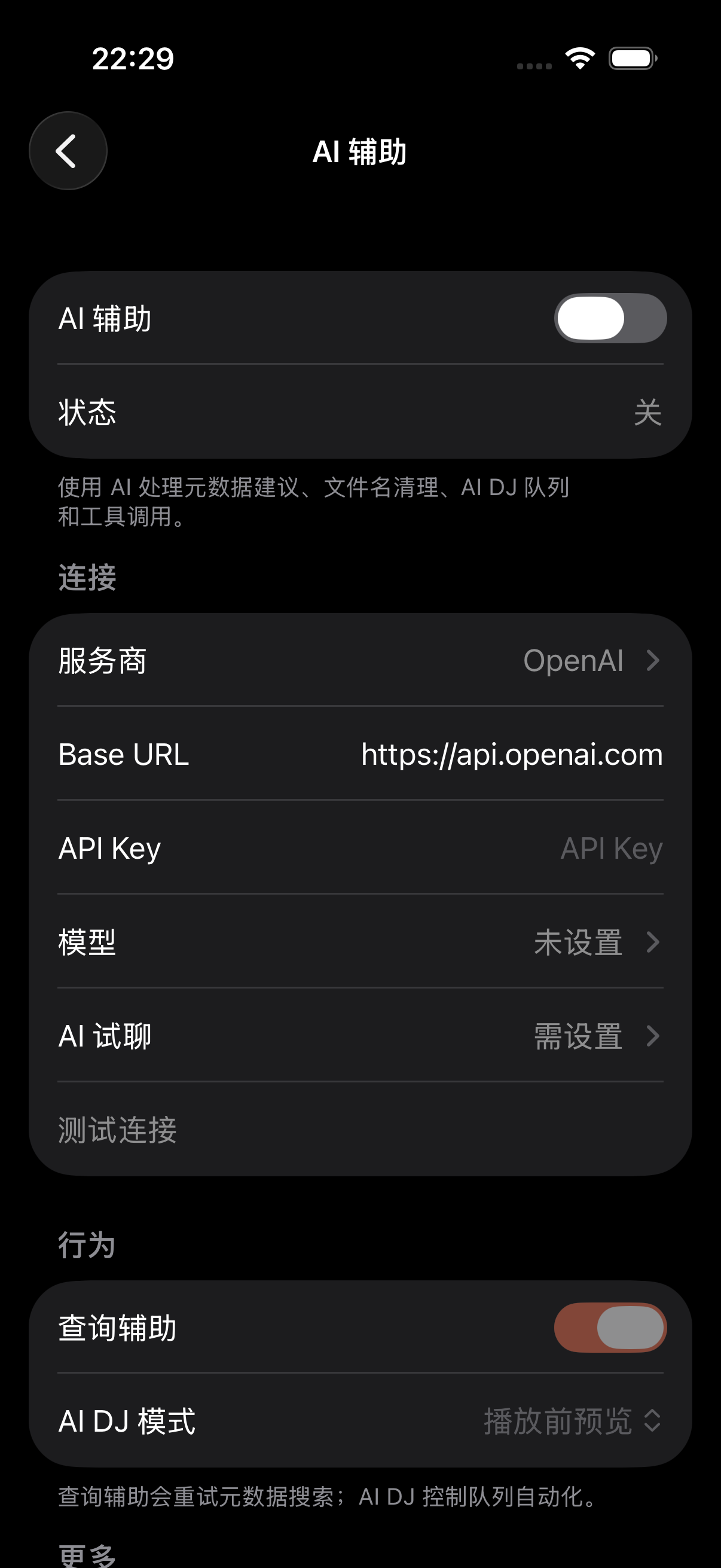
Enter your own API key to get started — OpenAI, Anthropic, Gemini, Zhipu, DeepSeek and others are preconfigured, or specify a custom endpoint or local Ollama. The AI DJ continues your queue based on your listening habits, and can tidy up irregular file names.
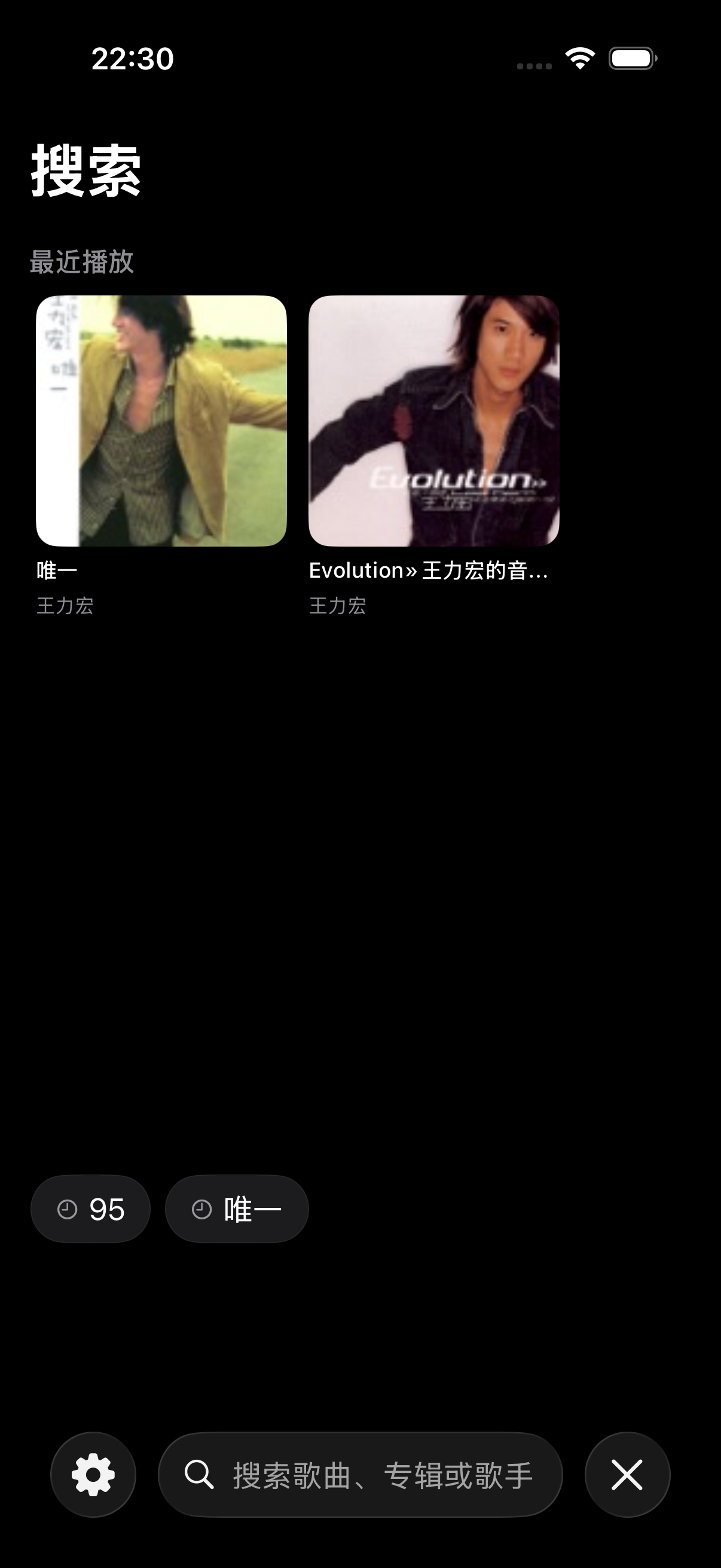
Home aggregates charts from several platforms. When you don't have a specific track in mind, TuneSync offers recommendations based on your listening history. Hear a song you like? Open recognition to identify it.
Library, playback, lyrics, karaoke, and recording polish — together in one app.
Connect WebDAV / SMB / NFS / FTP servers, or import local folders. TuneSync builds one library.
Full-screen player with line-by-line synced lyrics, queue, sleep timer, AirPlay.
Separate vocals and accompaniment on-device, lower the original vocal, and record yourself with the microphone.
See the real waveform, trim and shape your karaoke recordings, and save without touching the original.
Bring your own API key. Let AI pick the next song or tidy up file names.
Auto-fill artwork, lyrics, release year, and track numbers.
See charts from Apple Music / Bilibili / YouTube, identify songs with ShazamKit.
“I used to switch between several apps to play my own music. After connecting the NAS, everything is in one place.”
Lin Yifan
NAS user · self-hosted WebDAV
“The AI DJ's auto-continue is genuinely useful — it tops up the queue when it runs low, so I don't have to keep selecting.”
M. Chen
BYOK with DeepSeek
“I didn't expect to remove vocals and sing on my phone. Drop the vocal, sing with the accompaniment, and play it back afterward.”
Kai
Core ML separation
“My library info was fairly disorganized. After one batch organize, the artwork and release years are mostly filled in.”
Zhang Rui
Full-library batch refresh
“I appreciate using my own API key — requests go straight to the model I chose, without any intermediary.”
D. Wang
Self-hosted Ollama
“It found my server on the LAN automatically and connected after a quick setup — easier than I expected.”
Eric
SMB / NFS connection
Follow the quick-start guide to link a server — it only takes a few minutes.