Discover
Home recommendations, multi-platform charts, and song recognition to help you find what to play next.
Home
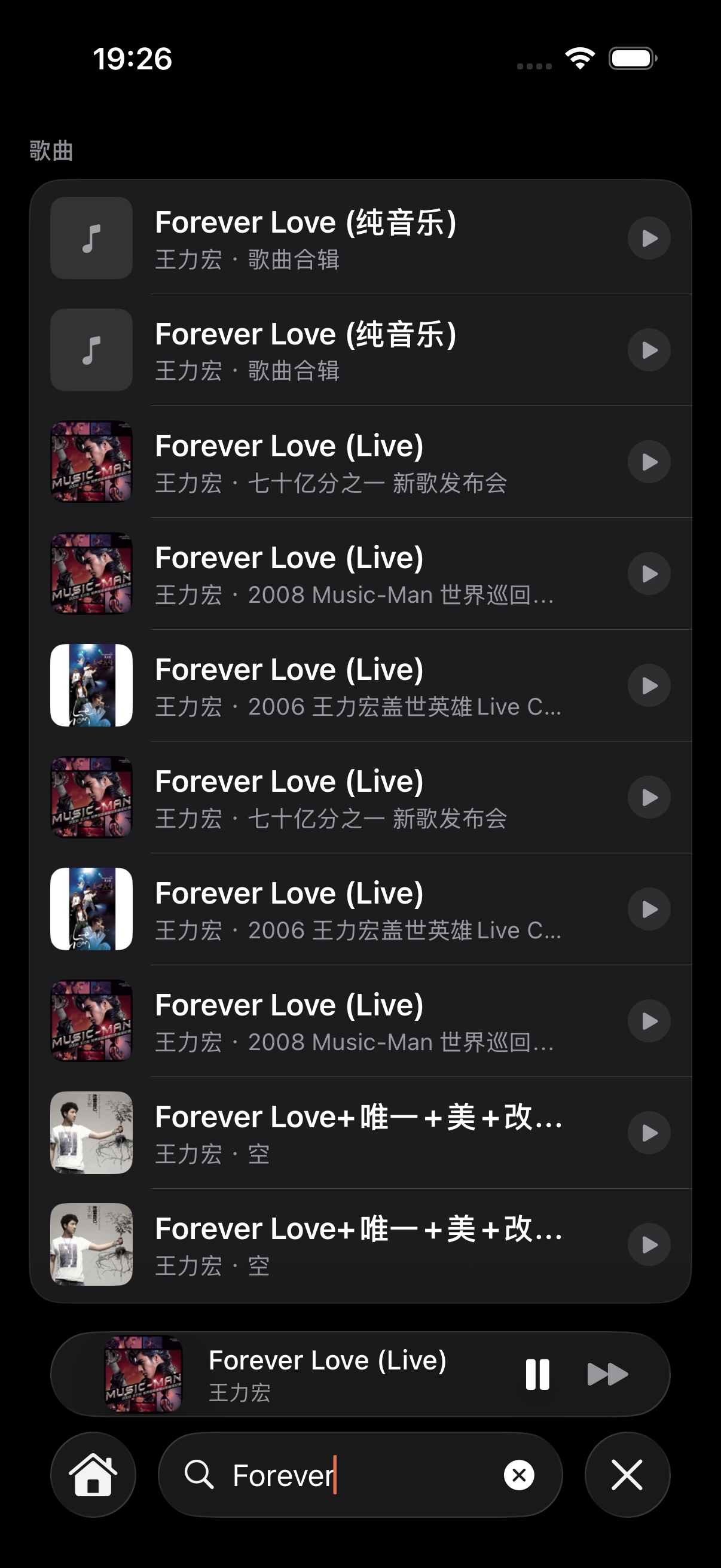
Home arranges sections based on your library contents and listening habits — empty sections are hidden:
- For You — a recommendation playlist computed from your taste, refreshed each visit
- Most Played — the tracks you loop the most
- Continue Listening / Recently Added — pick up where you left off, or see what just landed
- Favorites — tracks you've favorited
- Playlists — the ones you've built
- Browse by Genre — rock, electronic, classical, etc.
Multi-platform charts
After enabling chart sources under Settings → Home & Discovery, Home shows these platforms' charts, ranked:
- Apple Music RSS charts
- Bilibili music charts
- YouTube trending
- Last.fm play-count charts
For You
For You puts out a main pick (a collage of a few tracks' artwork) plus secondary picks, each with a reason and a Preview Mix — tap to preview, and add to the queue if you like it.
Feedback tuning
Not loving a pick? From the full-screen player's menu, tell the AI DJ — like or less of this. The app remembers and steers future recommendations toward what you like.
Recognition
Hear a good song at a café or shop? Open Recognition and TuneSync uses ShazamKit to listen for a few seconds and tell you what it is. Recognized songs are kept — browse them under Settings → Song Recognition, and add favorites straight to your library.