Library
Combine local folders and remote servers into a single library.
Supported protocols
Connects over these protocols — self-hosted servers or a NAS:
| WebDAV / WebDAVs | WebDAV — the most common for self-hosting; also supports encrypted WebDAVs |
| SMB | SMB — Windows sharing and most NAS defaults; common for Synology, QNAP, etc. |
| NFS | NFS — common network filesystem on Linux and NAS, fast |
| FTP / FTPS | FTP / FTPS — classic file transfer; FTPS is the encrypted variant |
| DAAP | DAAP — iTunes music sharing protocol |
Connect a server
- 1
Open library sources
Under “Settings → Library Sources & Indexing”, tap “Add Server”, or go in from the Home “Connect a Server” prompt.
- 2
Pick a protocol, enter the address
Choose WebDAV / SMB / NFS / FTP, then the address, port, and share path. Not sure it's reachable? Hit “Test Connection” first.
- 3
Enter credentials, save
Add username and password if it needs them. After saving, the server shows up in the list as connected.
- 4
Pick folders to index
Browse the server and check only the folders you want. Plays as soon as it's done.
Bonjour auto-discovery
On the same network, TuneSync finds _webdav._tcp, _smb._tcp, _ftp._tcp, _nfs._tcp on its own and drops you straight into setup — no typing addresses.
Indexing
Once folders are added, TuneSync scans the audio files inside (mp3, flac, m4a, wav, etc.), reads each file's embedded info (title, artist, album, artwork), and builds the library structure. You can play as soon as it's done — no need to wait for everything to be read. It runs in the background; see progress on Home and under Settings → Background Tasks & Logs — e.g. how many tracks scanned, how many left.
Only the folders you pick get indexed — it won't pull in the whole disk. When you add new songs to a folder later, the next launch does an incremental scan — no full rebuild.
Playlists and favorites
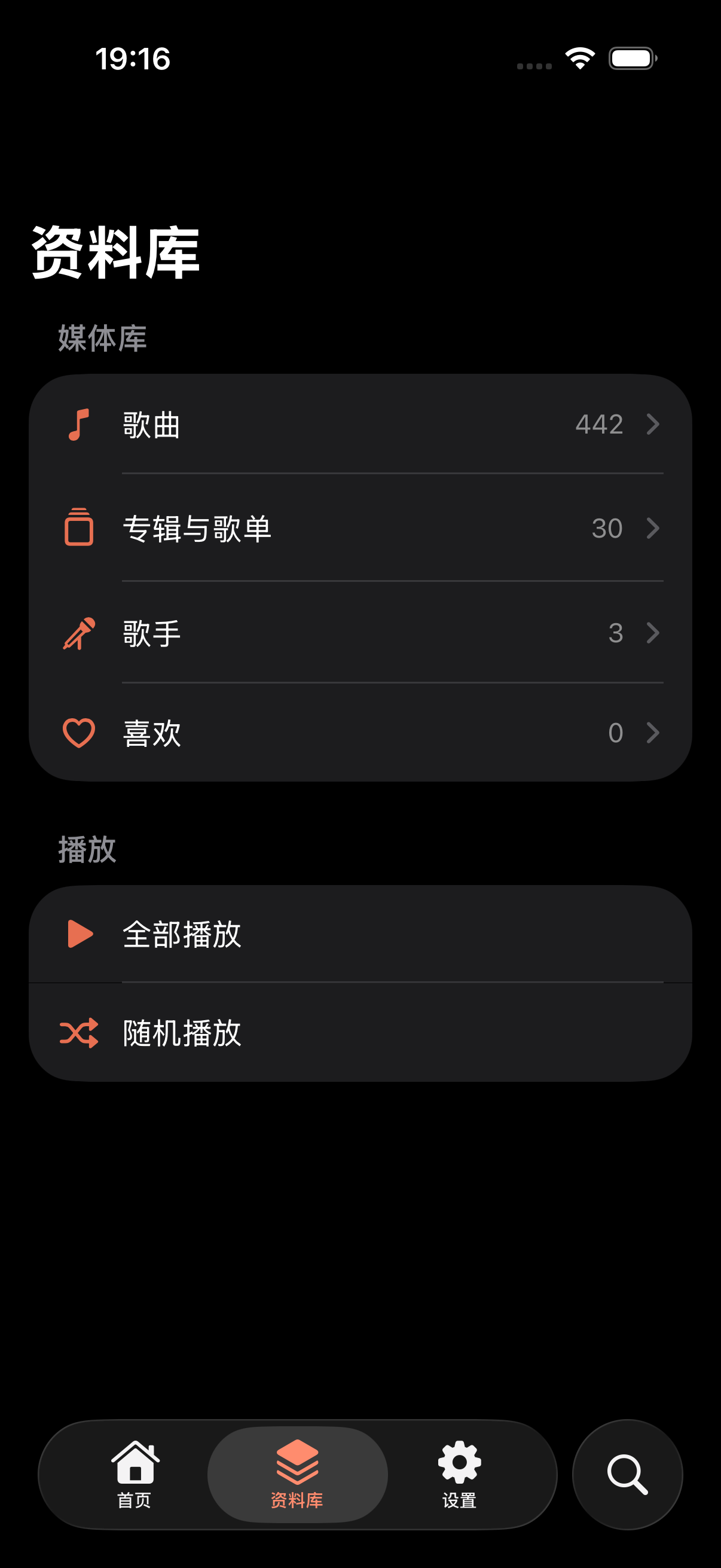
On “Albums & Playlists” you can:
- Make your own playlist
- Add any track to it
- Favorite a track — favorites show up on Home and in the favorites list